Integer minor units, explicit currency, idempotent basket IDs and no PAN, CVV or customer data in the QR.
ECR API
Itemized baskets in. Receipt status out.
Use the same versioned basket contract over terminal-hosted LAN HTTP or JEK-hosted Internet HTTPS. The payment application owns approval; the POS cannot mark its own basket as paid.
Two ways to reach the same terminal
LAN terminal API
http://<terminal-lan-ip>:8787
Send local HTTP requests directly to the paired terminal on the store network. Use WebSocket events or poll basket status.
Internet web ECR API
https://<jek-ecr-host>
Send HTTPS requests to JEK from any network. The terminalId routes the basket to an online terminal; receive signed webhooks or poll status.
Both transports use the basket JSON and paths below. Internet requests add /terminals/{terminalId} before /baskets; LAN requests go straight to /baskets.
MethodEndpointPurpose
PUT/baskets/{basketId}Create or replace before payment starts
GET/baskets/{basketId}Read basket, payment and receipt state
POST/baskets/{basketId}:cancelCancel before payment approval
GET/baskets/{basketId}/receiptRead the issued URL and QR payload
WS/eventsLAN: subscribe to payment and receipt events
POST{yourWebhookUrl}Internet: receive signed payment and receipt events
LAN WebSocket or Internet signed webhook: basket.accepted → payment.approved → receipt.issued / receipt.failed
Create or replace a basketHTTP + JSON
# Terminal LAN (direct to the paired terminal)
PUT http://<terminal-lan-ip>:8787/jek/ecr/v1/baskets/pos-20261122-000184

# Internet web ECR (JEK routes to the named terminal)
PUT https://<jek-ecr-host>/jek/ecr/v1/terminals/terminal-123/baskets/pos-20261122-000184

Authorization: Bearer <paired-ecr-credential>
Idempotency-Key: pos-20261122-000184
Content-Type: application/json

{
  "schema_version": "1.0",
  "basket_id": "pos-20261122-000184",
  "order_reference": "POS-184",
  "currency": "HKD",
  "items": [
    {
      "line_id": "1",
      "sku": "FLAT-WHITE",
      "name": "Flat white",
      "quantity": "2",
      "unit": "ea",
      "unit_price_minor": 3800,
      "line_total_minor": 7600
    }
  ],
  "subtotal_minor": 7600,
  "discount_minor": 0,
  "tax_minor": 0,
  "tip_minor": 0,
  "total_minor": 7600
}

200 OK
{
  "basket_id": "pos-20261122-000184",
  "status": "AWAITING_PAYMENT",
  "payment_amount_minor": 7600,
  "currency": "HKD"
}
Amounts are integer minor units. subtotal_minor must equal the sum of line_total_minor; total_minor = subtotal − discount + tax + tip.
Issued receipt responseHTTP + JSON
GET /jek/ecr/v1/baskets/pos-20261122-000184/receipt

200 OK
{
  "basket_id": "pos-20261122-000184",
  "payment_reference": "psp-transaction-reference",
  "status": "ISSUED",
  "receipt_id": "rcpt_01JEXAMPLE",
  "receipt_url": "https://pass.jek.app/r/<opaque-receipt-token>",
  "qr_payload": "https://pass.jek.app/r/<opaque-receipt-token>"
}
The QR contains only an opaque HTTPS receipt URL. The customer scans it to open the JEK eReceipt website.
Payment and delivery rules
Lock basket edits when payment starts; reject amount or currency mismatches.
Return 409 for a completed basket or state conflict, and 422 for invalid totals or line items.
Use paired credentials on an isolated LAN; require HTTPS, terminal routing and signed webhooks over the Internet. Never send card numbers, CVV or track data.
Android SDK
Add JEK without rebuilding your payment application
The SDK runs inside your payment app. Its ECR bridge uses the same basket contract, while the host app supplies the trusted payment approval.
SDK modules
EcrBridge
Receives and validates ECR baskets from LAN or web connections.
ReceiptClient
Prepares, issues and retries receipt requests idempotently.
QrRenderer
Turns the returned payload into a Bitmap for the terminal display or printer.
DeviceCredentials
Stores terminal credentials with Android Keystore.
Kotlin integration sketchANDROID AAR
val jek = JekTerminalSdk.initialize(
  context = context,
  config = JekConfig(merchantId, terminalId, Environment.PRODUCTION),
  credentials = deviceCredentials // Android Keystore
)

// LAN HTTP and the outbound web ECR channel share one basket handler.
jek.ecrBridge.start(
  EcrBridgeConfig(
    localPort = 8787,
    enableWebChannel = true,
    requireClientCertificate = true
  )
) { basket ->
  paymentApp.prepare(basket.totalMinor, basket.currency)
}

// Called only by the trusted payment app after authorization.
suspend fun onPaymentApproved(basketId: String) {
  val receipt = jek.receipts.issue(
    IssueReceiptRequest(
      basketId = basketId,
      approval = paymentApp.approvalFor(basketId),
      idempotencyKey = basketId
    )
  )
  terminalDisplay.showQr(receipt.qrBitmap)
  // receipt.url == receipt.qrPayload
}
Issue only from the payment app after a verified approval. Receipt failure must not reverse or block an approved payment.
A viewable eReceipt requires JEK sync. Retry with the same basket and receipt IDs; never display an unissued QR.
JEK partner onboarding supplies the AAR, device enrolment, API hosts, signing requirements and certification tests.
The customer journey
In store and online. Connected by JEK.
Turn the first payment into a lasting connection.
01
Pay and check the link
The customer taps a card or presents a payment QR. The gateway checks for a linked JEK account.
02
Invite them to collect
After a successful payment, show the receipt QR or the supported iPhone tap invitation. The customer opens JEK and verifies their phone.
03
Save the first e-receipt
Associate the completed transaction with the verified account. Future eligible linked payments deliver receipts automatically.
Phone-tap collection depends on certified terminal support. Keep receipt QR collection available on iPhone and Android; Google Wallet pass recognition is separate from tap-to-sign-up.
Integration handoff
Three systems. One connected purchase.
Terminal or hosted checkout
Initiate payment, show the returned receipt status and present the collection or view-receipt link.
Your payment gateway
Resolve the verified customer association and send confirmed transaction, merchant, amount, currency and receipt details to JEK.
JEK eReceipt
Verify the member, keep the receipt in their account and make it accessible in JEK with the eligible JeKoin reward.
Agree the contract with JEK
JEK supplies partner-specific API access, field mapping and callback requirements during onboarding. This journey overview is not a public API specification.
Certify before rollout
Test new and returning members, QR fallback, payment failures, duplicate callbacks and receipt access. Never match customers by card last four digits or a wallet identifier alone.
Compatible payment terminals
Start with the terminals your merchants already use
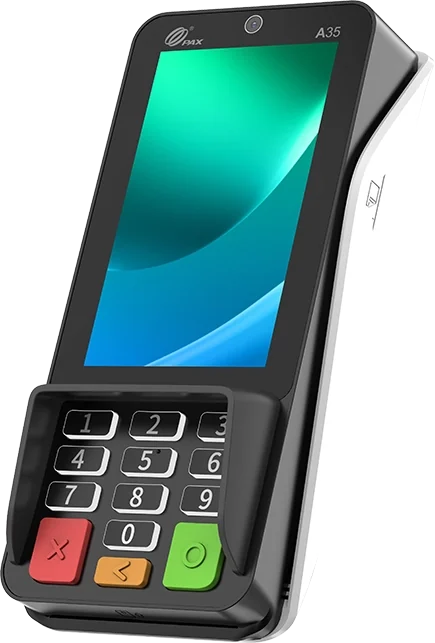
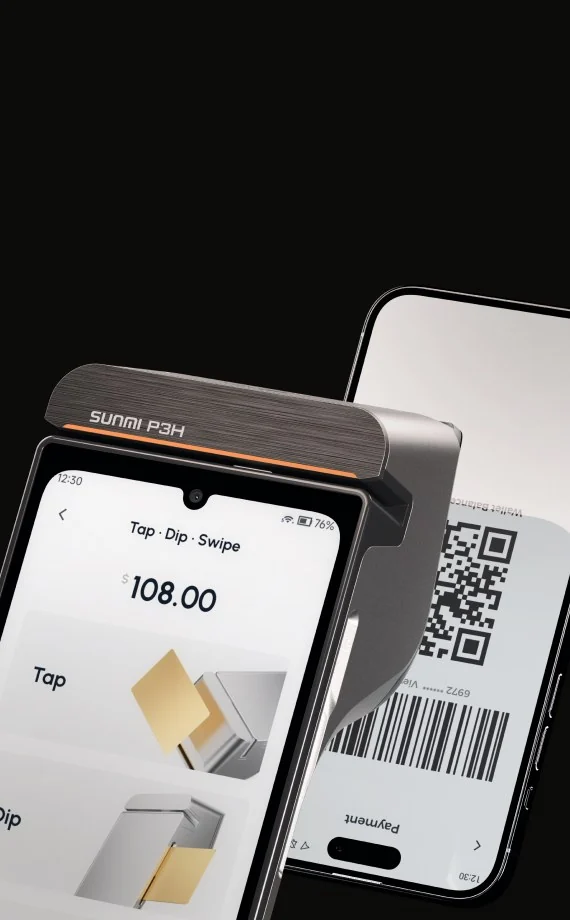
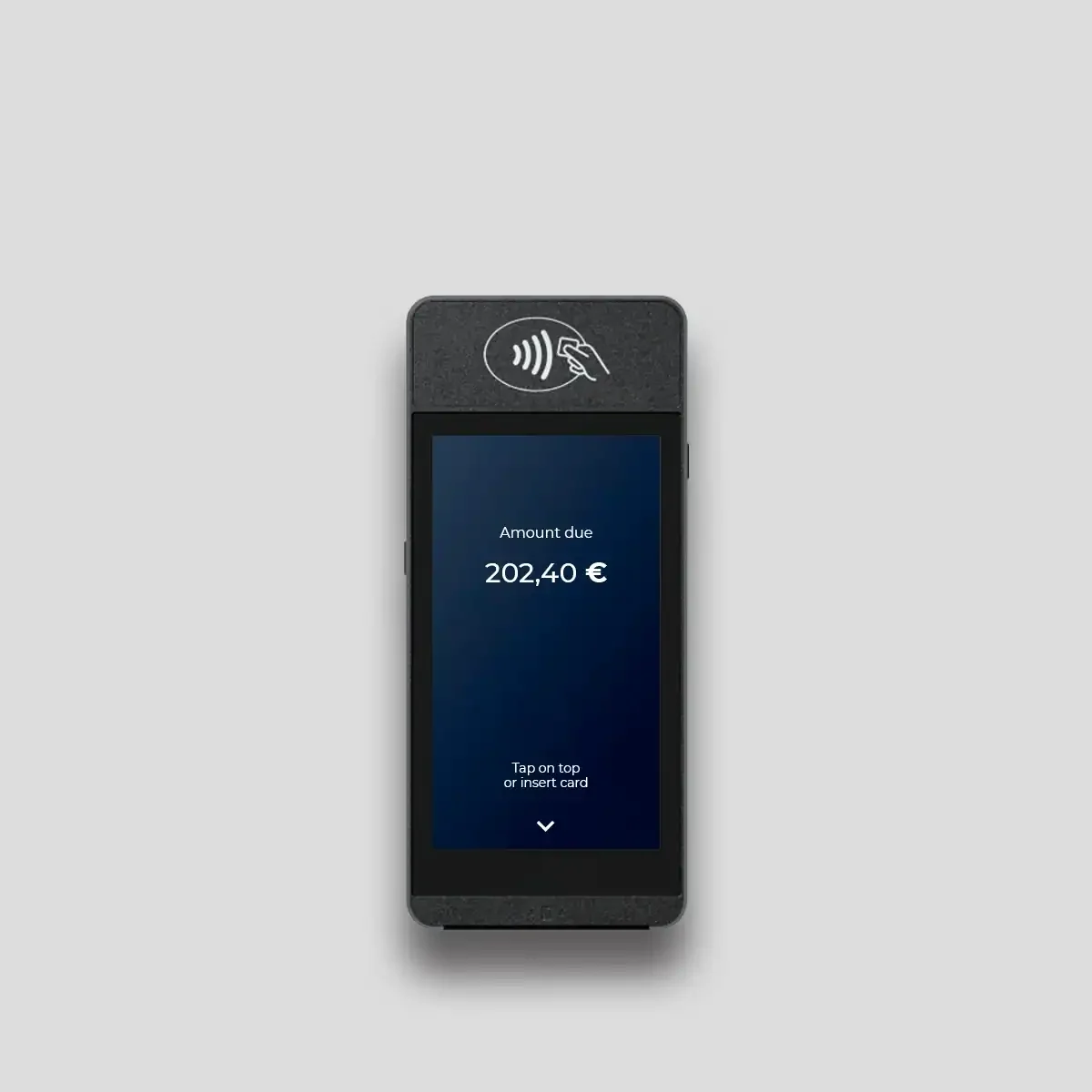
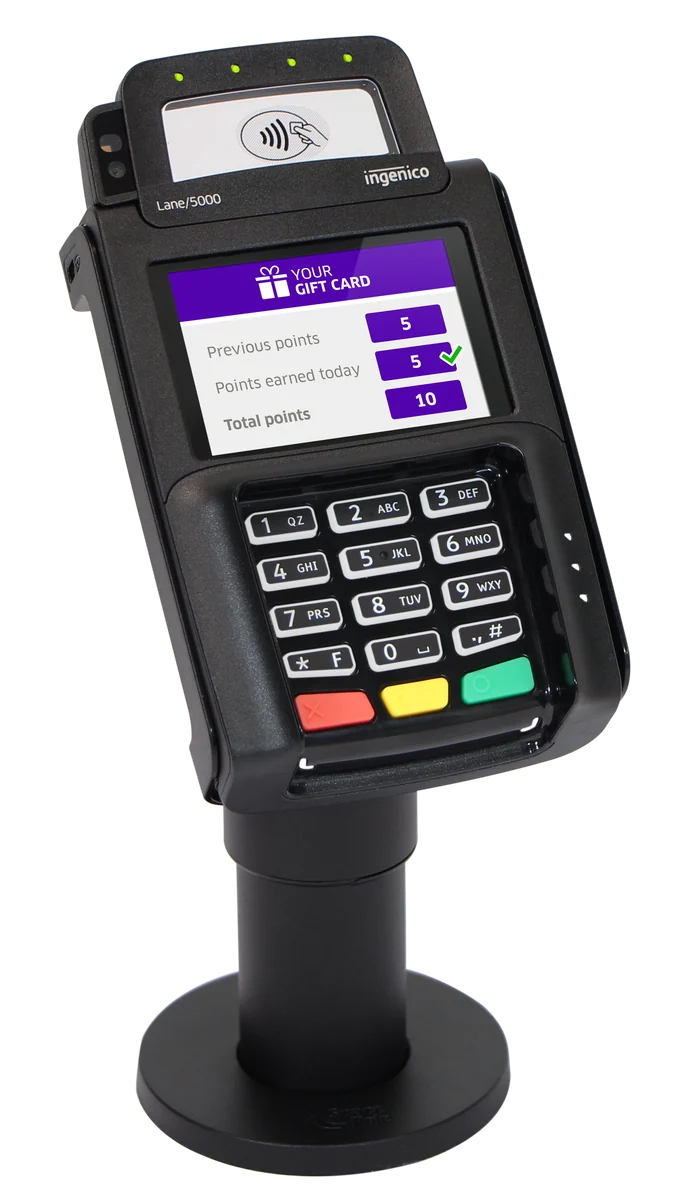
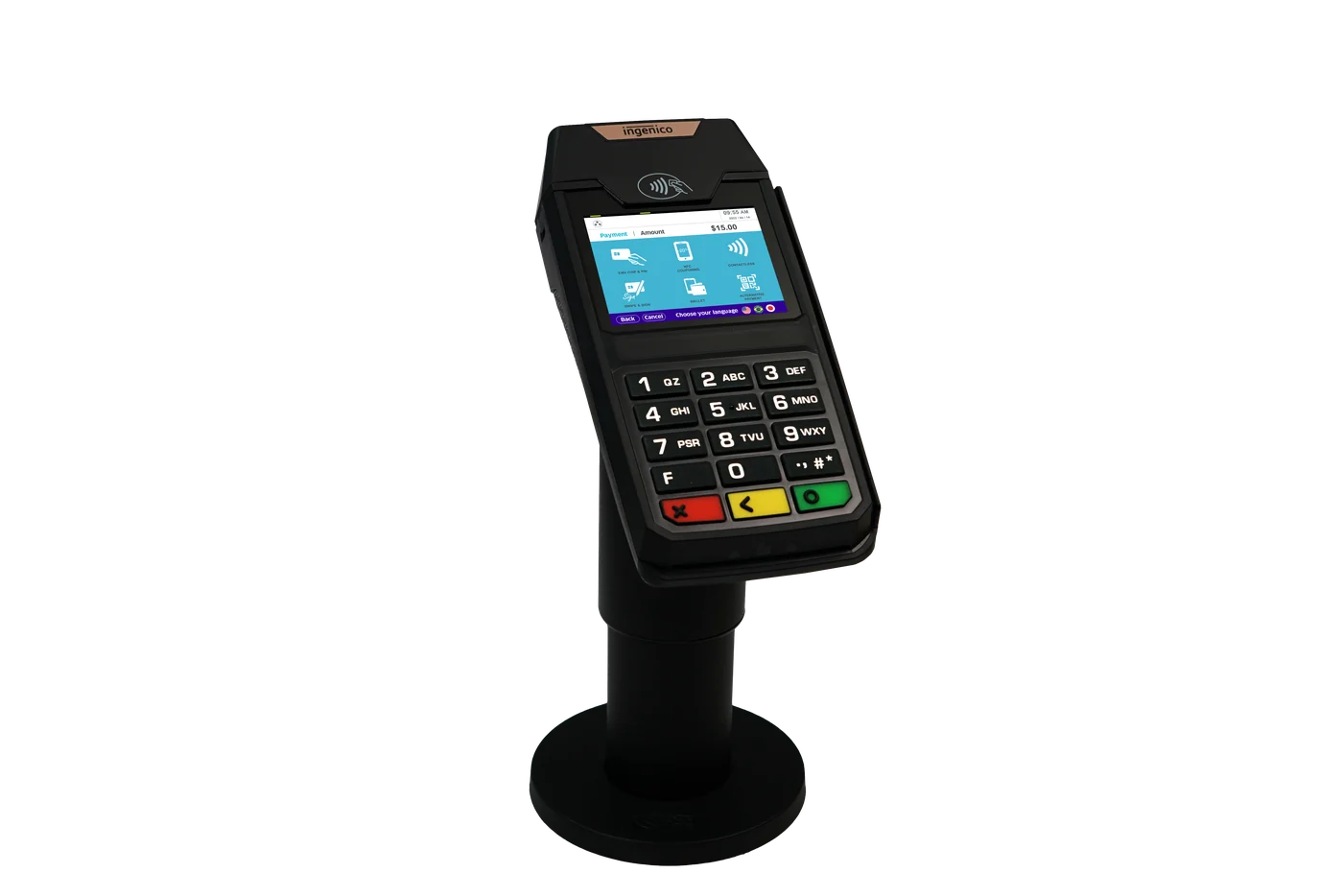
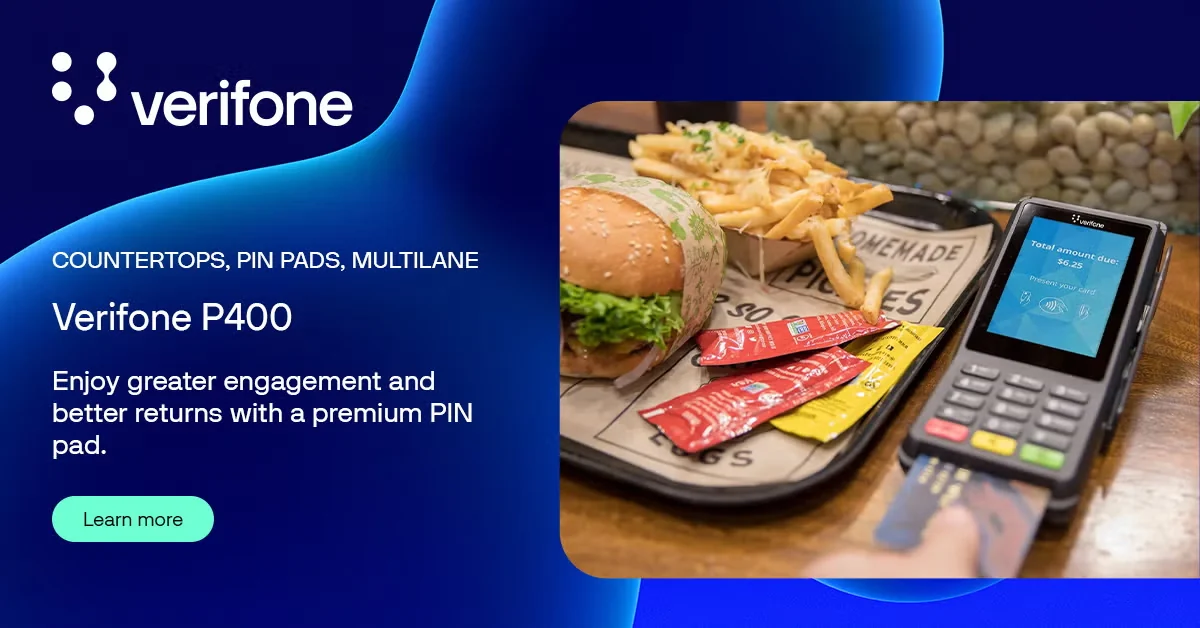
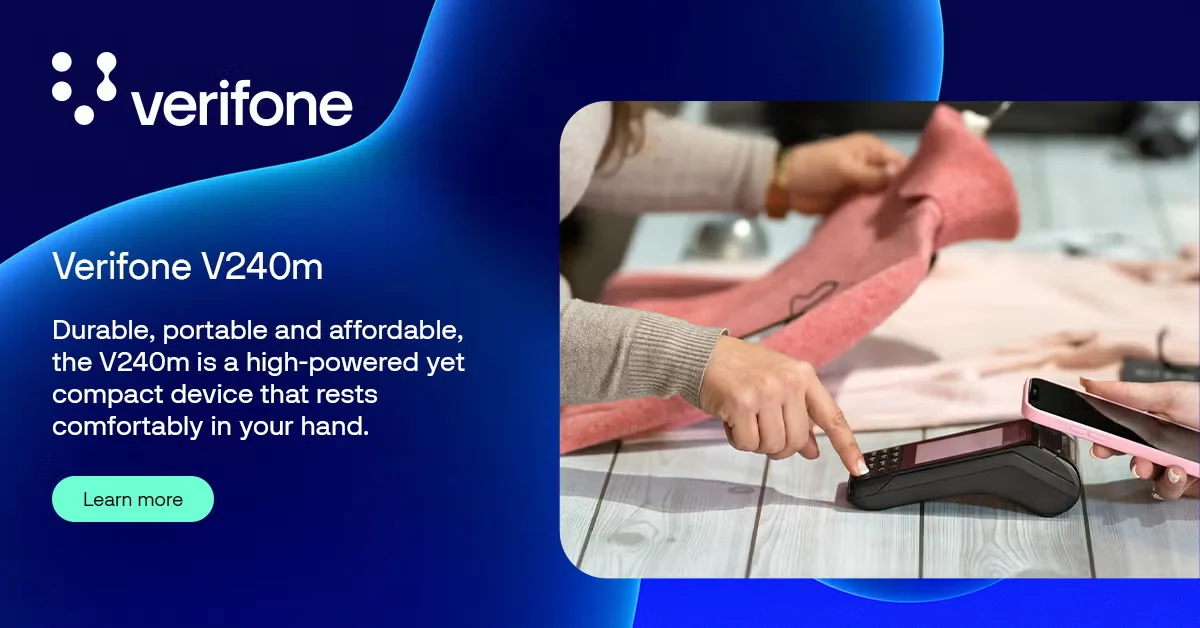
Explore terminal examples from PAX, SUNMI, Castles, Ingenico and Verifone. JEK confirms model, firmware and payment application compatibility during integration.